Design
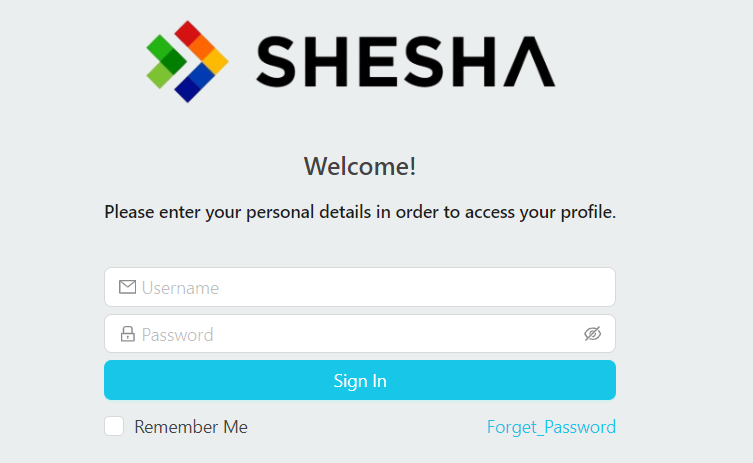
The login page in Shesha is a configurable form, not hard-coded markup. It is a configuration item identified as Shesha/login (Shesha is the module, login is the form name), so you can open it in the form designer and change it like any other form.
Because it ships as a standard Shesha form, the default login page can log a user in out of the box, but you can also customize what happens before and after the login process, for example running a script when login fails or redirecting to a different page on success.
If you are upgrading an older Shesha application that predates the configurable login page, you need to run the latest database migrations before the Shesha/login form configuration becomes available to edit.
Look and Feel
Out of the box, the configurable login page looks identical to the classic, hard-coded login page it replaced. Since it is now a regular form, you can redesign it completely using the same form components and settings you would use on any other Shesha form.